
 Five weeks of Twitch Drops. Watch HEAT to earn XP boosters, Credits, and in-game missions. May 26 to June 30.
Week 1 of 5: Earn XP boosters and Credits
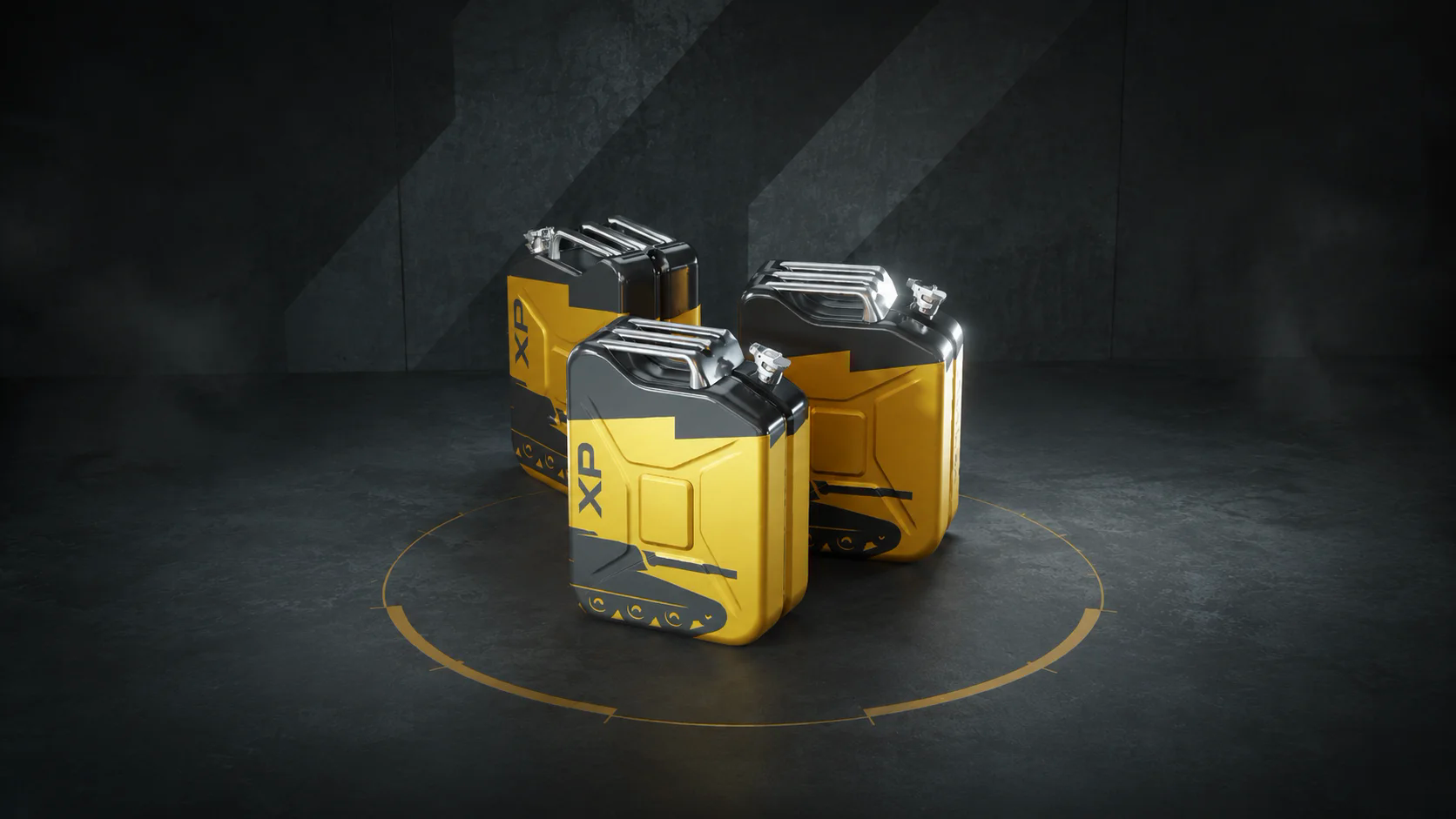
Drop 1, Direct Drop: Vehicle XP Booster ×2
Watch 30 minutes of HEAT on Twitch. Claim on Twitch. Two Vehicle XP boosters land in your account, each one giving +50% XP for 10 battles.
Drop 2, Mission Drop: 15K Credits Mission
Watch 120 minutes of HEAT on Twitch. Claim on Twitch to unlock the mission. Look for the mission: “Play 3 battles with the M1E1.” Complete it, and 15,000 Credits are yours.
May 26 (Tue, launch) to June 3 (Wed) at 16:00 UTC. Drops claimable on Twitch for seven days.
Note: Twitch Drops only land in your account if your Twitch is linked to your Wargaming account. Link your accounts
Note: Mission Drops show up in your in-game mission list tagged “Twitch Drop Week N.” This campaign runs Mission Drops in Weeks 1 and 5, so look for the listed tank when one is live.

Two Drops, every week
Each week brings two Twitch Drops you can earn just by watching HEAT streams.
Drop 1, Direct Drop: Watch 30 minutes, claim on Twitch. Your booster lands straight in your account.
Drop 2: Watch 120 minutes, claim on Twitch. Most weeks, the reward comes straight to your account; in Weeks 1 and 5, you’ll unlock an in-game mission to complete in HEAT.
A new pair of Drops activates every Wednesday at 16:00 UTC for five weeks, closing with Season 0 on June 30.
Read the full guide: How Twitch Drops work
FAQ
Q: When does each week activate?
Every Wednesday at 16:00 UTC during the campaign. Week 1 starts at launch on May 26 and runs to Wednesday, June 3. Week 5 closes the campaign with Season 0 on June 30.
Q: Do I have to link my Twitch account?
Yes. Without the link, drops you watch and claim on Twitch will not arrive in your HEAT account. Link once at wargaming.net/personal, and you’re set for the season. The Twitch Drops guide walks you through the full setup if you need a step-by-step.
Q: What if I play on Xbox or PlayStation?
Drops work on all platforms. Console players need both their console account and their Twitch account linked to Wargaming. The Twitch Drops guide walks through the full setup.
Q: Can I earn drops from any HEAT streamer?
Yes. Drops are available on any streamer’s channel that has Twitch Drops enabled, not just the official channel. Watch any HEAT streamer with drops on and your watch-time counts.
Q: What’s the difference between Drop 1 and Drop 2?
Drop 1 is always a Direct Drop: watch 30 minutes, claim on Twitch, the booster lands in your account. Drop 2 takes 120 minutes of watch time. Most weeks have a Direct Drop that arrives straight to your account; Weeks 1 and 5 have a Mission Drop that unlocks an in-game mission to complete in HEAT.
Q: How long do I have to claim?
Each Drop must be claimed on Twitch within seven days of earning it. The Week 5 mission closes with Season 0 on June 30 at 09:00 UTC, so claim the Drop early and complete the mission before then, or it will expire.
Q: Where can I track my progress?
Watch-time progress and claim buttons live in your Twitch Drops Inventory (twitch.tv/drops/inventory). In-game, missions show up in your HEAT mission list tagged “Twitch Drop Week N”, so look for the tank listed for the active week.
